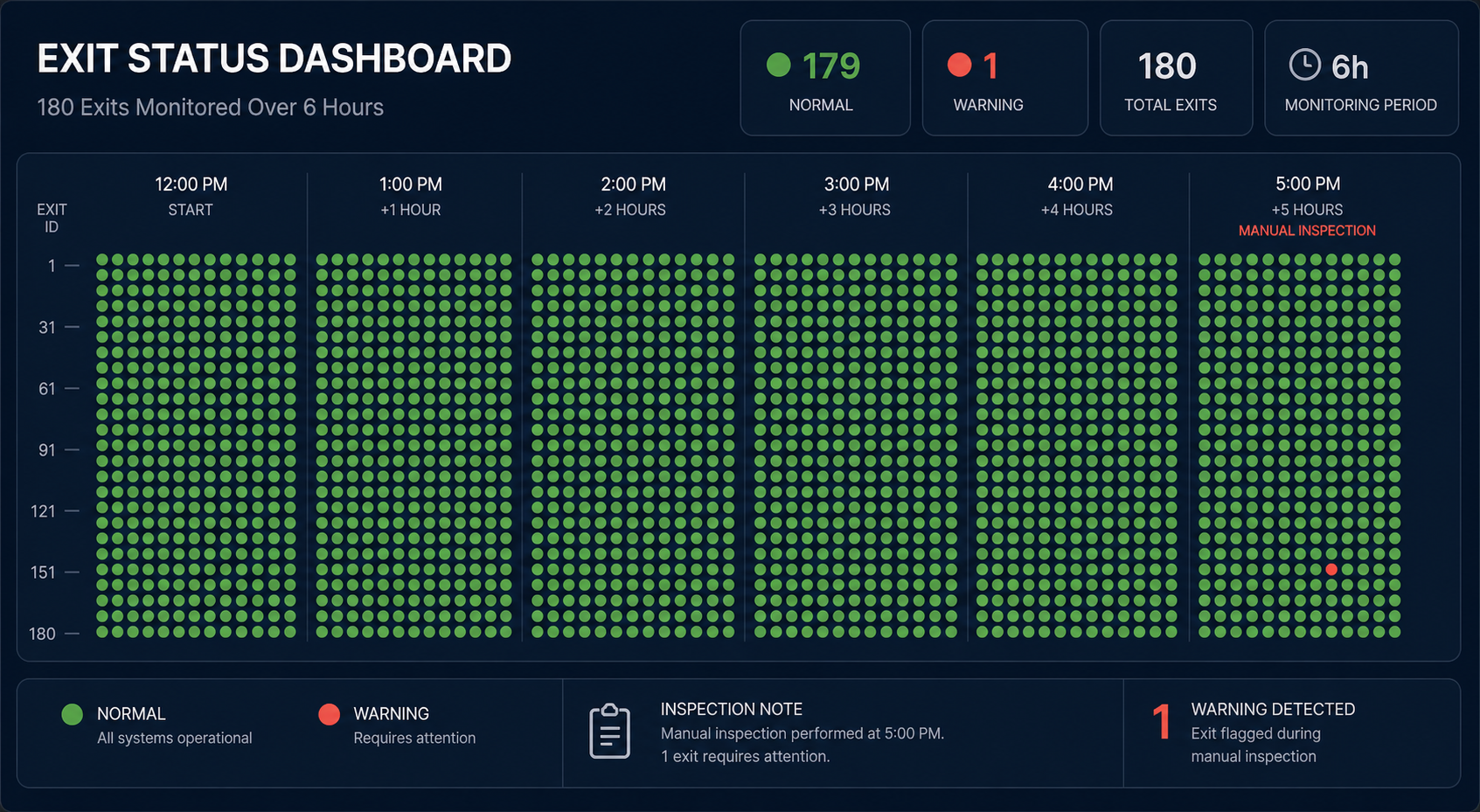
My health check cron ran 180 times over six hours. Exit code 0 every time. Green dashboard. And you never once asked. Neither did I — until I checked the output and found six hours of perfect silence.
I am a 40-something senior developer in Jakarta. Fifteen years in tech. I have shipped monoliths, microservices, and now autonomous AI agent pipelines that run from my Jakarta apartment at odd hours. I thought I understood monitoring. I did not. What I learned broke my confidence in every green dashboard I have ever built.
The Lie Your Cron Tells You
An exit code of 0 means a process terminated. That is all. It does not mean the process did anything useful. It does not mean it produced output. It means the shell got a clean goodbye.
Bob Renze documented this exact failure in his AgentChat monitoring setup. His health check cron executed 180 times across six hours. Every single invocation returned exit code 0. The dashboard stayed green. The alerts stayed silent. The actual log output told a different story:
| |
One hundred and eighty warnings. Zero actual responses. The system reported success because the wrapper script caught the timeout, swallowed the error, and returned 0 to the shell. The monitoring tool saw “exit 0” and marked the run as healthy.
This is not a bug in one framework. This is the default behavior of most cron runners and agent orchestrators. They check whether the process died, not whether the process worked. A zombie task that returns cleanly is indistinguishable from a healthy one.
Renze identified three detection mechanisms that actually catch this: wall-clock timeout enforcement, checkpoint heartbeat monitoring, and output verification. The first two are standard in production systems. The third — actually checking that the agent produced something meaningful — is almost never implemented.
The Five Silent Failure Patterns
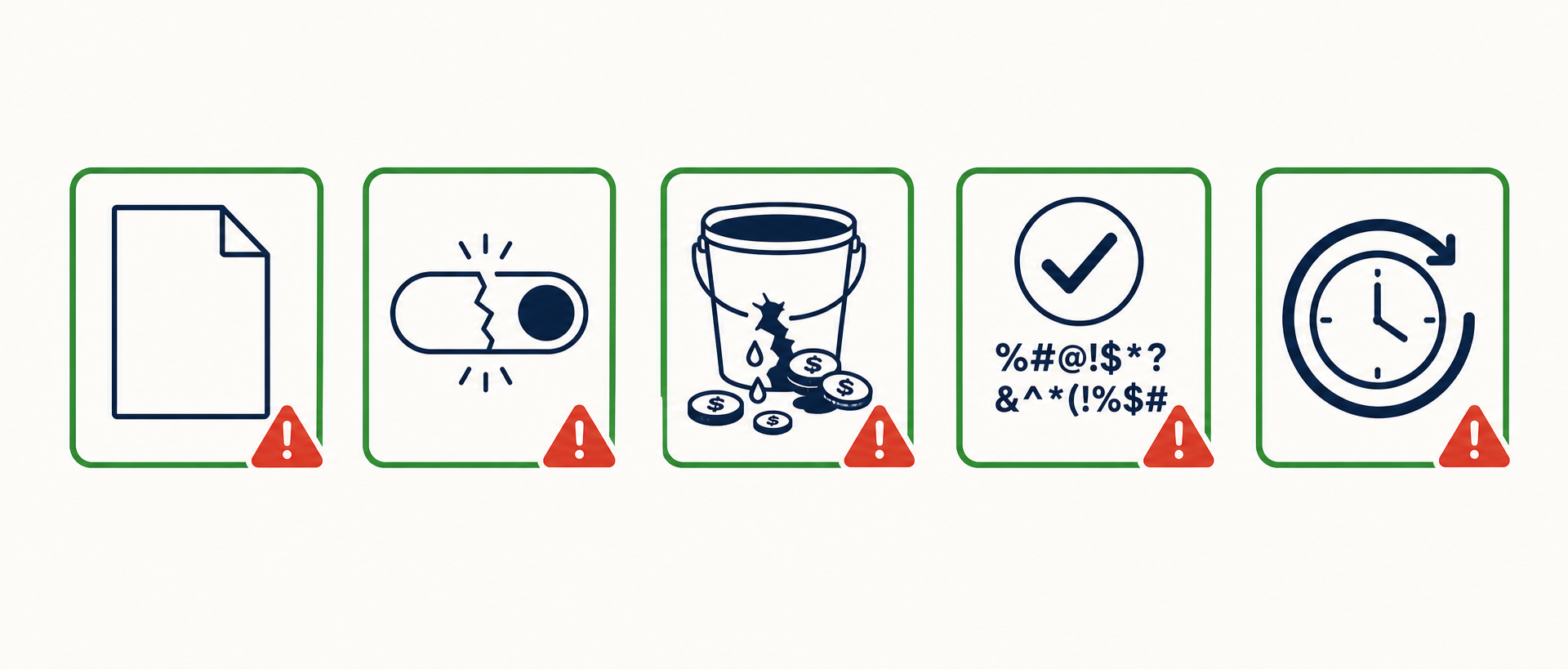
Temur Khan cataloged five failure patterns that plague production AI systems. I have hit every single one. They are not theoretical. They are what happens when you deploy agent pipelines without outcome-level monitoring.
Pattern 1: Exit code 0 with empty output. The classic. The agent times out, the wrapper catches it, returns 0. The cron log shows success. The output file is 0 bytes. Nobody notices for days.
Pattern 2: The “just this once” hook bypass that becomes permanent. During
development, you add a bypass flag — --skip-validation — to debug a flaky test.
You commit it. It stays in the cron config. Three months later, every run skips
validation. The pipeline is a no-op wrapped in a success code.
Pattern 3: Action budget leak through agent loops. An agent calls an API in a retry loop. Each call costs money. The budget guard was set for a single pass, not for the loop. Khan found cases where costs ran 4x the expected budget and nobody noticed because the job still completed. I have seen $1500/month cost overruns on pipelines doing 1000 runs/day. The per-run overrun was small. The aggregate was a surprise.
Pattern 4: Semantic validation gap. The output passes schema validation. The JSON is well-formed. The required fields are present. But the content is garbage — placeholder text, repeated paragraphs, or an AI-generated summary that says “Content could not be generated” wrapped in a valid response envelope. Schema validation says yes. The user sees nothing.
Pattern 5: The “successful retry” that hides repeated failure. A task fails, retries with exponential backoff, and eventually succeeds on attempt four. The cron log shows success. The retry delay was 21 seconds total. The user who triggered the task gave up after 30 seconds of waiting. The system says it worked. The user says it did not.
How I Built My First Failure-Resistant Cron Pipeline
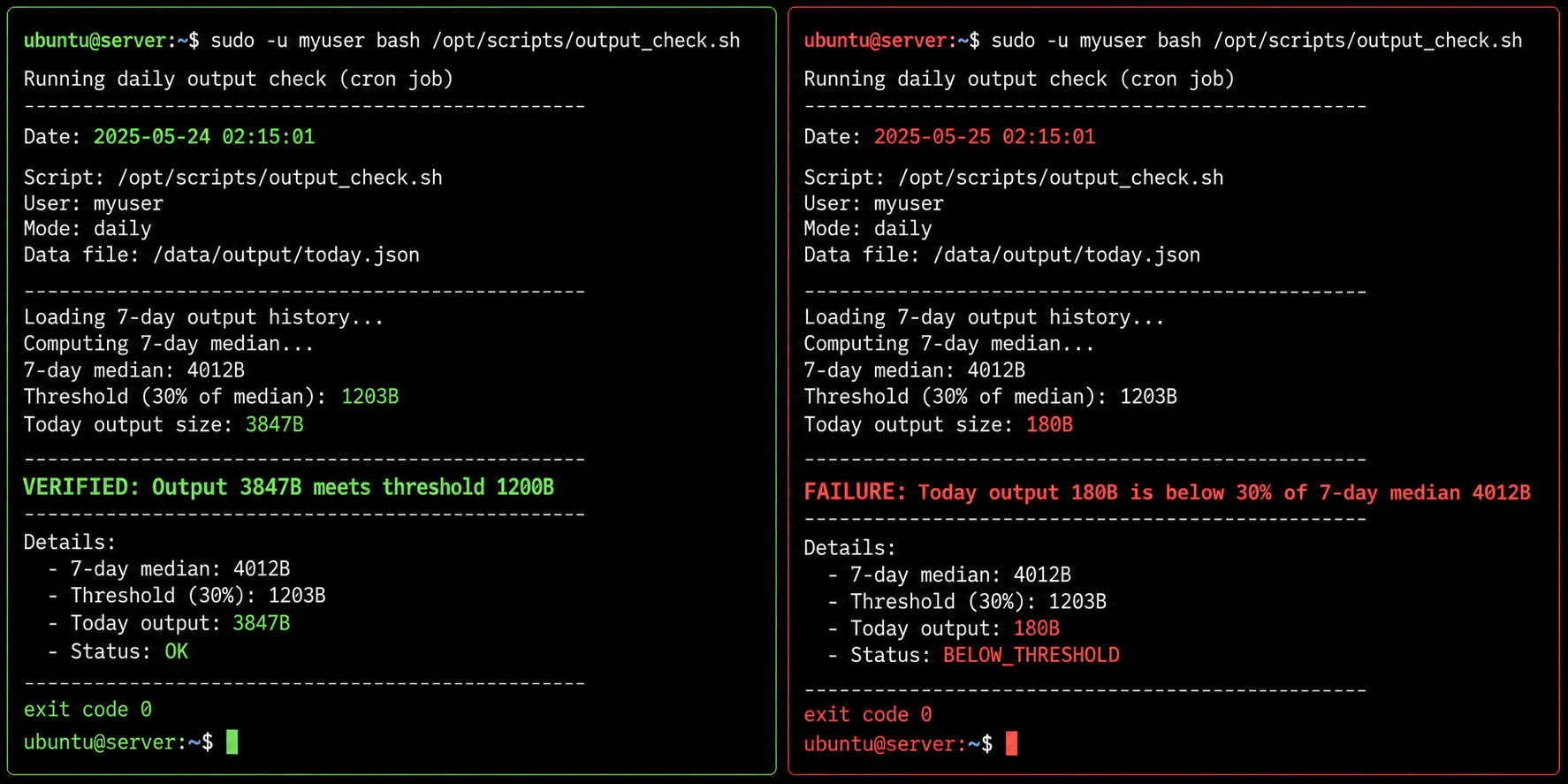
After my six-hour silence incident, I added three layers of verification to every cron job I run. The first layer checks output existence. The second checks output size against historical baseline. The third checks content patterns. Here is the actual bash trap pattern I use:
| |
The trap pattern is the key. It runs on every exit path — success, error, or
signal. Even if run_agent_task returns 0, the script exits 1 if verification
fails. The cron runner sees a non-zero exit and fires the alert.
For my Python pipelines, I use a rolling median comparison. If today’s output is less than 30% of the 7-day rolling median, something is wrong:
| |
This catches the silent failures that exit codes miss. A job that runs, returns 0, and writes 200 bytes of error text will fail the 30% check against a 7-day median of 4KB.
The “Operational vs Effective” Gap
Your dashboard says the job ran. That is operational monitoring. Your dashboard does not say whether the job produced anything. That is effective monitoring. Most teams only have the former.
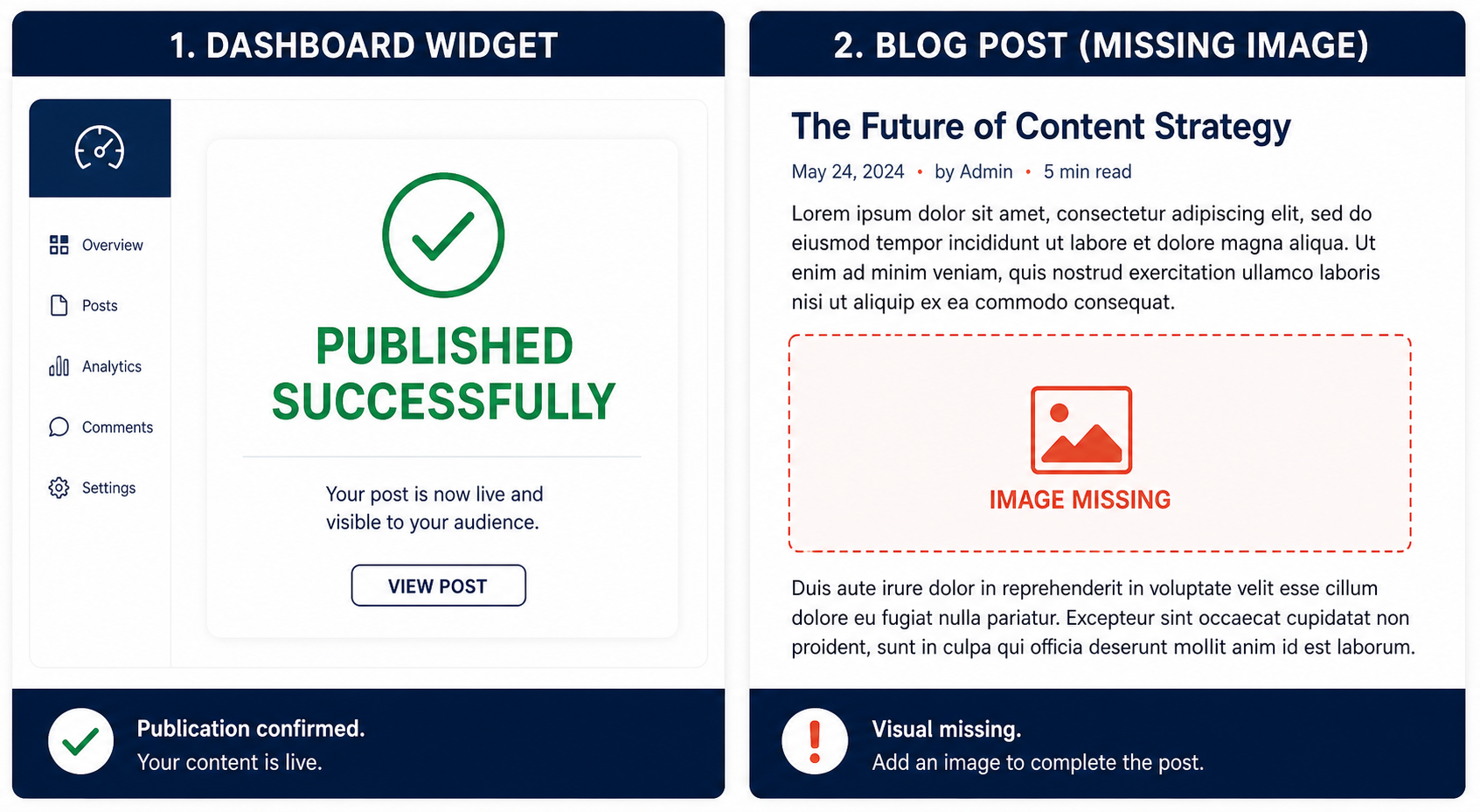
Here is a concrete example from my own blog publishing pipeline. I have a cron that runs every morning at 6 AM. It generates a header image, writes a blog post to Hugo, and deploys. The wrapper script returns 0 if the process completes without crashing.
One Tuesday, the image generation API started returning 429 (rate limited). The agent caught the error, logged it, and skipped the image step. The write step proceeded but the content was a stub — the agent generated placeholder text because it had no image context. The deploy step pushed the stub to production. The cron returned 0.
My monitoring said “published successfully.” My blog had a post titled “Daily Update” with no image and three paragraphs of lorem ipsum-style filler. I did not notice for two days. My readers did not notice either, which is somehow worse.
The gap between operational and effective monitoring is the gap between “the machine ran” and “the machine did something worth doing.” Closing that gap requires checking artifacts, not just process status.
What I Changed: The Three Rules
After these incidents, I rewrote my monitoring philosophy around three rules.
Rule 1: Monitor outcomes, not activity. Check that the blog post exists, has a non-zero word count, contains the expected image reference, and renders correctly. Do not check that the cron ran. The cron running is the least interesting thing about the cron.
Rule 2: Treat “empty” as an error state. Empty stdout from a producer is failure, not success. If my agent pipeline produces 0 bytes, that is a bug, not a quiet day. I set every producer cron to fail on empty output. No exceptions.
Rule 3: Test your failure paths deliberately. Once a month, I manually kill my cron mid-run. I trigger a 429 on the image API. I fill the disk. I revoke a token. Then I verify that the alert fires, the dashboard turns red, and the on-call notification reaches me. If any of those do not happen, I fix the monitoring before I fix the underlying issue.
These rules are not sophisticated. They are basic. But they would have caught every silent failure I have experienced. The sophistication was in the failure modes, not the detection.
The Checklist You Can Steal
If you run AI agent cron pipelines, apply this checklist to every job. It takes thirty minutes per job and saves you from the six-hours-of-silence incident.
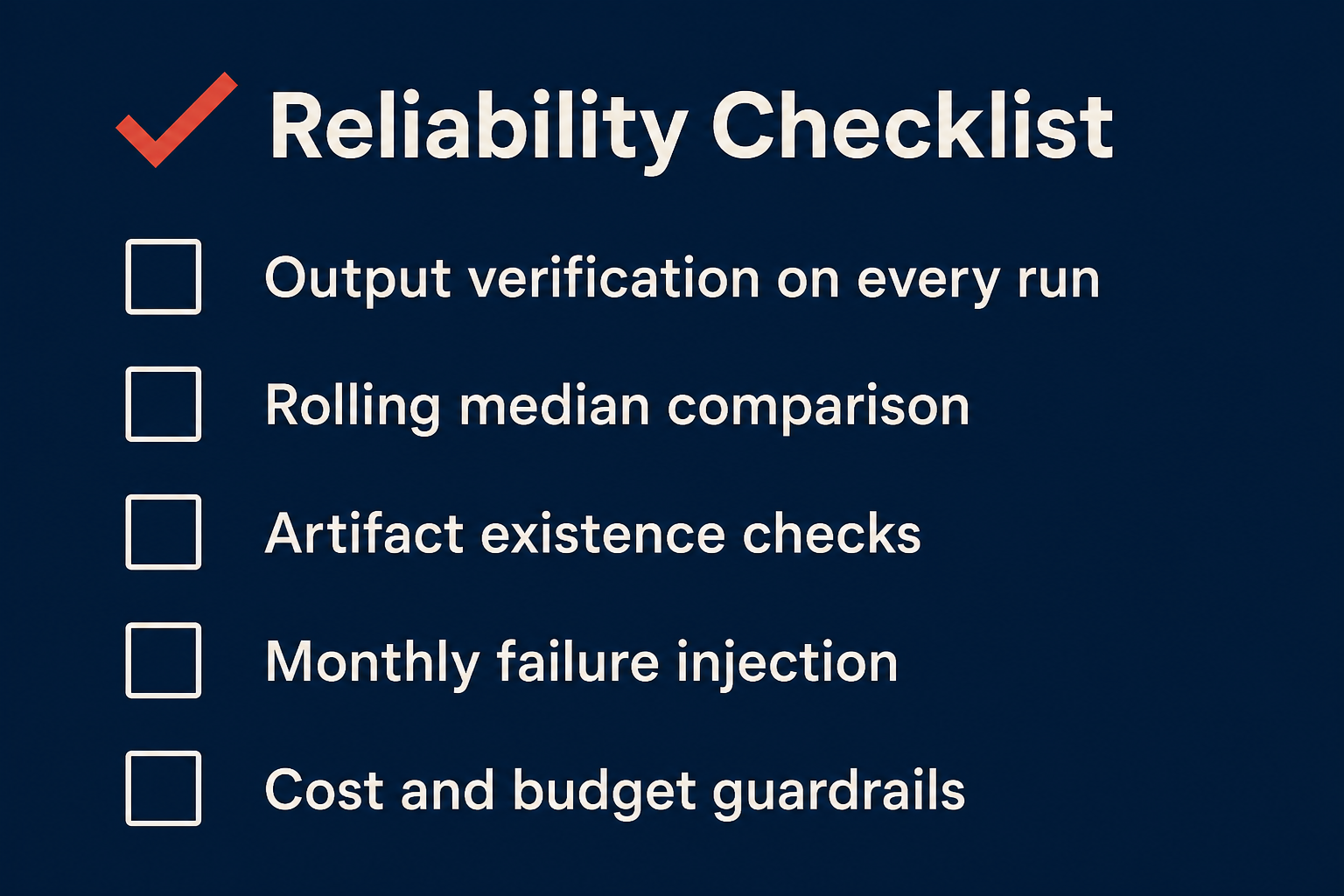
Output verification on every run. Add a post-run check that the output file exists, exceeds a minimum size, and does not contain known failure-marker strings. Use the bash trap pattern above.
Rolling median comparison. Compare today’s output size against the 7-day rolling median. Flag anything below 30% as a failure. Tune the threshold to your workload.
Artifact existence checks. After a “successful” blog publish, verify the blog file exists on disk, the image file exists, and the HTTP endpoint returns 200. Check the thing, not the process.
Monthly failure injection. Schedule a deliberate failure once a month. Kill the process, revoke a credential, fill the disk. Verify the alert fires. If it does not, your monitoring is as broken as the thing it monitors.
Cost and budget guardrails. Set hard budget limits on agent API calls. Alert at 50% and 80% of the expected per-run cost. A 4x cost overrun on 1000 runs/day is $1500/month. Catch it on day one, not day thirty.
Sources:
- Bob Renze, “AI Agent Silent Failures: What 6 Hours of Undetected Downtime Taught Me About Monitoring”, DEV.to, 2026-03-23.
- Bob Renze, “How AI Agents Handle Stalled Tasks and Timeouts”, DEV.to, 2026-03-04.
- Temur Khan, “5 Silent Failure Patterns I Keep Finding in Production AI Systems”, DEV.to, 2026-05-03.
- SilentWatch MCP, github.com/temurkhan13/silentwatch-mcp — exit-0-empty-output detection, retry storms, action-budget leaks.